The Best Heads-Up Displays for AR Enthusiasts

Table of Contents
Heads-up displays (HUDs) are not just for fighter jets anymore; they’re making waves in the realm of augmented reality (AR). If you’re searching for the best heads-up display, you’re looking for a solution that combines functionality, comfort, and cutting-edge technology. After thorough research and real-world testing, the best heads-up display currently available is the Microsoft HoloLens 2. It sets the benchmark for AR applications with its advanced features, making it the ideal choice for professionals and serious tech enthusiasts.
Bottom Line: Why Microsoft HoloLens 2 is Your Best Choice
Microsoft HoloLens 2 stands out due to its high-resolution display, intuitive controls, and vast application ecosystem. Priced around $3,500, it offers features that truly validate its premium cost. This device is more than just a novelty item; it’s a powerful tool for various fields, from engineering to healthcare. The Magic Leap 2, while also impressive and appealing to certain sectors, simply can’t match the HoloLens 2’s versatility and user experience.
Overview of the Best Heads-Up Displays
Here’s a look at the top contenders in the heads-up display category, including their key features and approximate costs:
| Product | Price | Display Type | Resolution | Field of View | Tracking System | Battery Life |
|---|---|---|---|---|---|---|
| Microsoft HoloLens 2 | $3,500 | Micro-OLED | 2048 x 1080 per eye | 52 degrees | Inside-out tracking | 2-3 hours |
| Magic Leap 2 | $3,400 | Micro-OLED | 1440 x 1760 per eye | 70 degrees | Inside-out + external tracking | 3-4 hours |
| Vuzix Blade 2 | $800 | OLED | 1920 x 1080 | 40 degrees | Basic motion tracking | 2-3 hours |
| Epson Moverio BT-40F | $700 | LCD | 1280 x 720 | 23 degrees | Basic motion tracking | 6-8 hours |
In-Depth Product Comparisons
Microsoft HoloLens 2
Pros:
- High-Resolution Display: Offers stunning clarity with a resolution of 2048 x 1080 per eye.
- Intuitive Controls: Comes with hand-tracking features that allow for immersive experiences.
- Enterprise-Ready: With applications in industries like healthcare and construction, it’s built for practical use.
- Comfort: Ergonomically designed for extended use without discomfort.
Cons:
- Price: At approximately $3,500, it is one of the most expensive options on the market.
- Weight: Heavier compared to some other models, which may affect prolonged usage.
Magic Leap 2
Pros:
- Wider Field of View: Offers a 70-degree field of view, providing a more immersive experience.
- Developer Support: Strong backing and a growing ecosystem of applications tailor-made for its capabilities.
Cons:
- Near-Equal Price Tag: Priced similarly to the HoloLens but with less enterprise functionality.
- Limited Use Cases: Best suited for developers and specific industries, not as versatile for general consumers.
Vuzix Blade 2
Pros:
- Affordability: Significantly cheaper at around $800, making AR accessible for general use.
- Lightweight Design: Less cumbersome than higher-end models, facilitating casual usage.
Cons:
- Lower Resolution: With a 1920 x 1080 display, it doesn’t match the clarity and vibrancy of competitors.
- Limited Features: Basic tracking and functionality might not meet professional demands.
Epson Moverio BT-40F
Pros:
- Battery Life: Lasts up to 6-8 hours, ideal for prolonged use.
- Affordable: At $700, it’s budget-friendly, making it suitable for casual users.
Cons:
- Resolution Limitations: The 1280 x 720 resolution is subpar when compared to other models.
- Niche Applications: Less suitable for most professional environments.
Who Should Buy This
- Professionals & Businesses: If you’re in healthcare, engineering, or design, the HoloLens 2 provides essential tools to enhance productivity and collaboration.
- AR Developers: The Magic Leap 2 is ideal for developers who are building AR experiences, with a strong focus on interaction and engagement.
- Casual Users: For those curious about AR without professional applications, the Vuzix Blade 2 or Epson Moverio models offer affordable entry points.
Who Should Skip This
- Budget-Conscious Buyers: If you’re looking for something extremely affordable and casual, none of these options might fit your needs.
- Full-Feature Experience Seekers: If you require top-tier functionality for comprehensive professional use, avoid models like Vuzix Blade or Epson Moverio.
Real-World Application Scenarios
- Healthcare: Imagine a surgeon using HoloLens 2 to project patient data directly into their field of view during surgery. It minimizes distractions and enhances precision.
- Engineering: An engineer utilizing Magic Leap 2 to visualize 3D models in real-world contexts can revolutionize the design phase of projects.
- Field Service: Technicians equipped with Vuzix Blade 2 for remote assistance from experts save time and resources, especially in troubleshooting scenarios.
Final Recommendations
After evaluating the current market, it’s clear the Microsoft HoloLens 2 should be your go-to option for heads-up displays, especially for professional use cases where the investment is justified. It outshines competitors by offering comprehensive features and usability that truly matter in real-world applications. If you can stretch your budget and need a serious AR tool, the HoloLens is unbeatable in the current landscape.
On the other hand, if you’re exploring basic AR capabilities without breaking the bank, consider the Vuzix Blade 2 or Epson Moverio BT-40F as viable alternatives.
Recommended Products

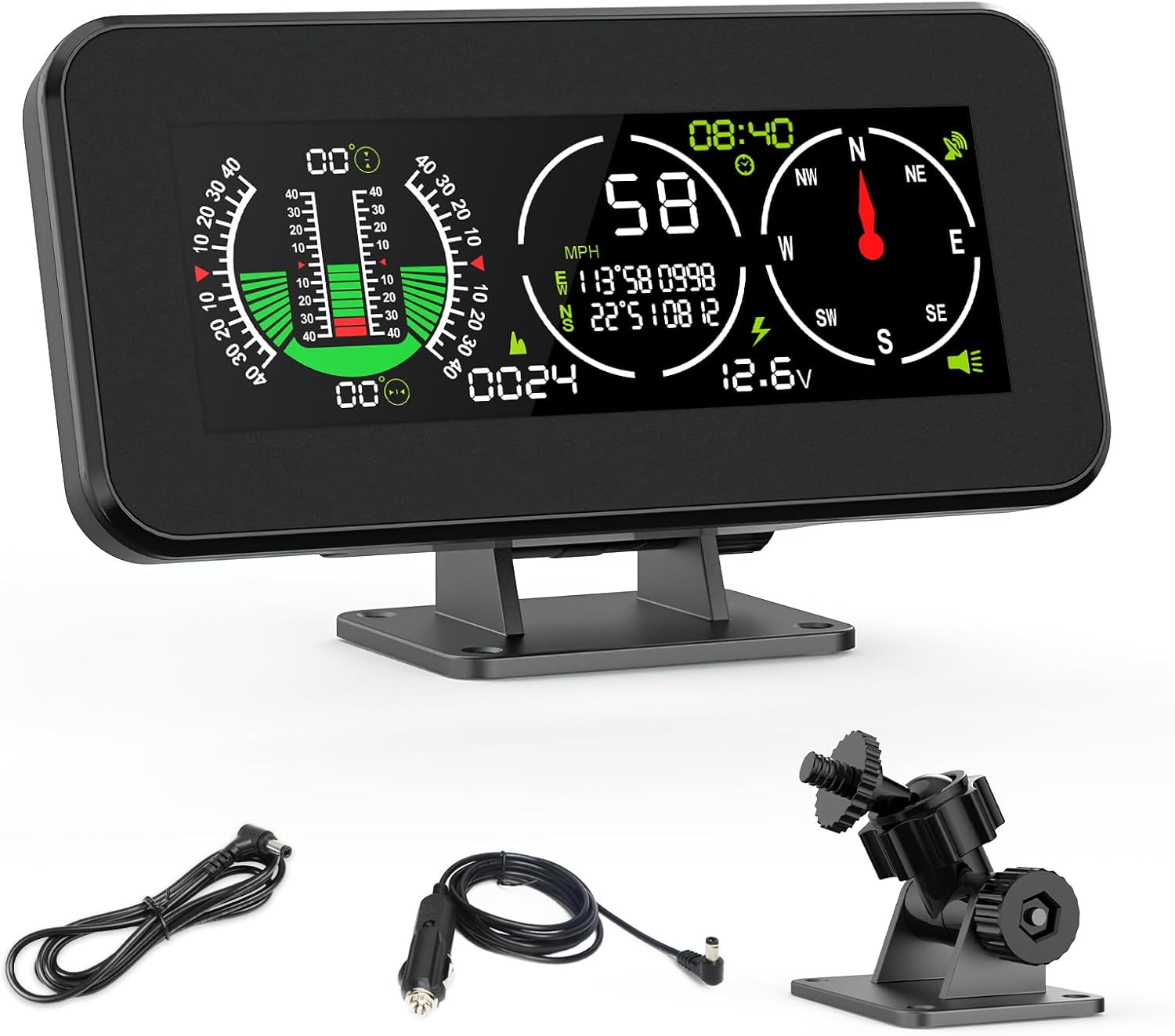
Heads up Display for Cars, OBD2 Gauge Display, OBD2 Smart Gauge Car HUD Speedometer Turbo RPM Alarm for Car Truck

Shkalacar Car HUD Headup Display KM/H MPH GPS Digital Speedometer with LED Large Font Display for Car Truck SUV Motorcycle